Settings
The settings screen can be opened by tapping the item “More” in the Menu. Then tap “Settings” in the pop-up that appears.
An example of the settings screen is displayed in the figure below:
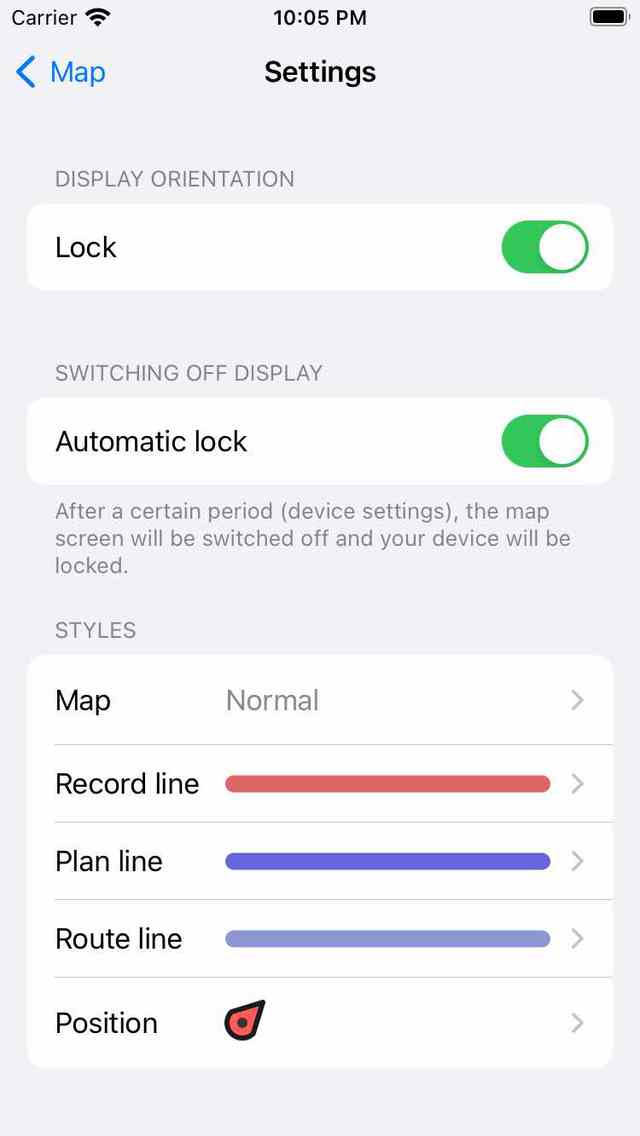
The settings screen.
The settings screen contains the following sections: